> For the complete documentation index, see [llms.txt](https://docs.anyone.io/llms.txt). Markdown versions of documentation pages are available by appending `.md` to page URLs; this page is available as [Markdown](https://docs.anyone.io/hardware/hw-updates/update-ui.md).
# System Update (WebUI)
This page will guide you on how to update your Relay using via the RCP. This update requires the Relay to be on APP version 2.0.6.
### Do **NOT** use this update method unless the relay is already on **APP** version **2.0.6 or above,** trying will break the relay. See [System Update (USB)](/hardware/hw-updates/update.md) if on a lower version.
### Update prerequisites:
* Requires APP version 2.0.6 or above.
* This update is performed in 2 stages with 2 different files from within the Relay Control Panel (RCP), and does **not** require a USB memory stick.
* Do not rename the downloaded files and do not unpack the .zip archives.
### Change log:
* Improved validation on files uploaded via Relay Control Panel
* While relay was in '**Relay-Router**' mode, the title in the RCP displayed '**Router**' with unsaved changes.
* Added PEAQ integration, read more about it over at [Medium](https://anyone-protocol.medium.com/3a307ecabdff).
* This update only updates the WEB to **WEB 3.2.0.**
### How to update:
1. Download '**app-update\_php\_v1.zip'** from below.
{% file src="/files/2BBbvXD2vz4S8MSB1KsB" %}
2. Login to the Relay Control Panel and navigate to **System** > **Update**.
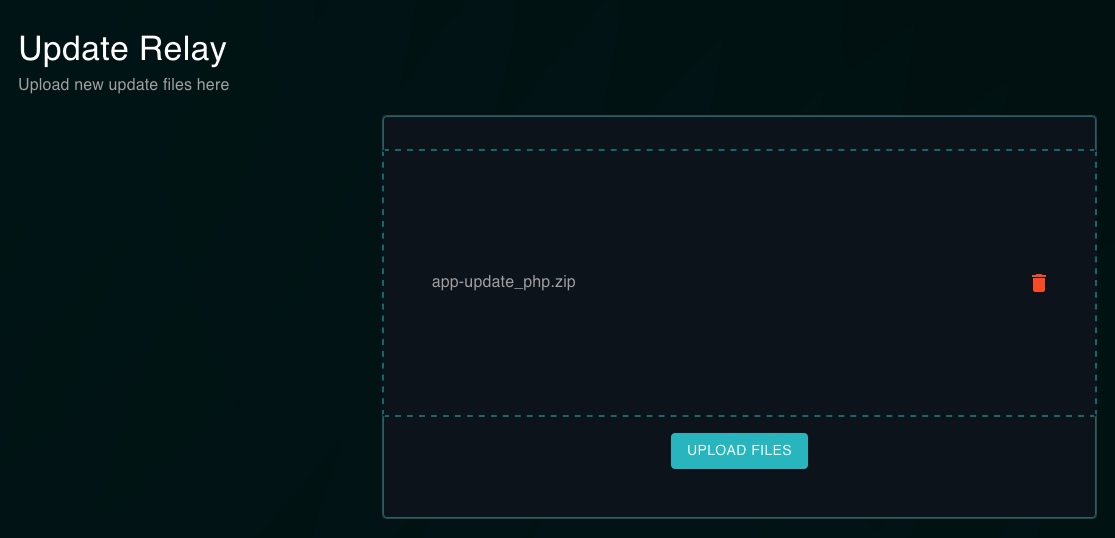
3. Upload downloaded file to the Relay by dragging and dropping, alternatively press inside the box to browse for the file you just downloaded. Then press the '**UPLOAD FILES**' button.
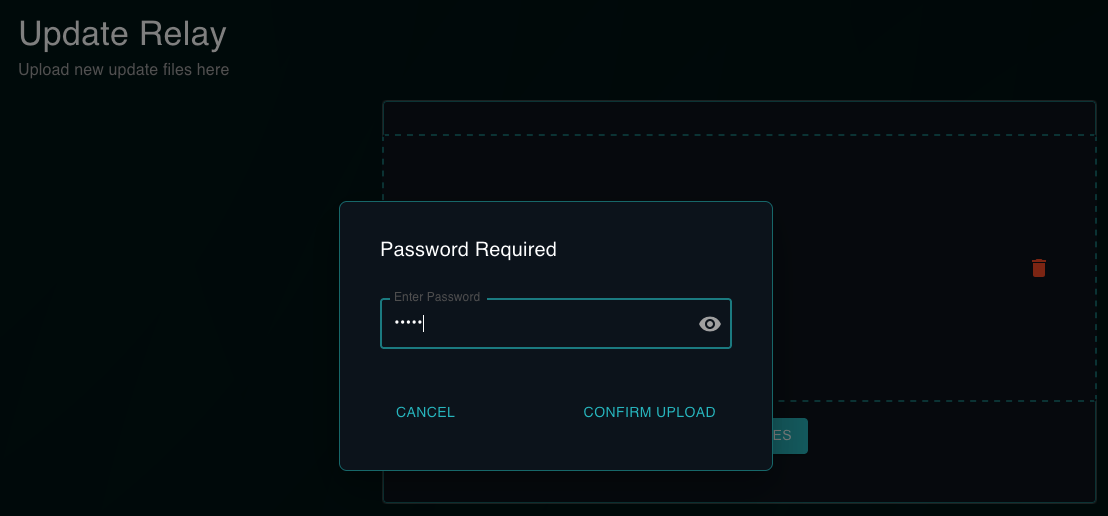
4. Enter your RCP password to confirm the upload.
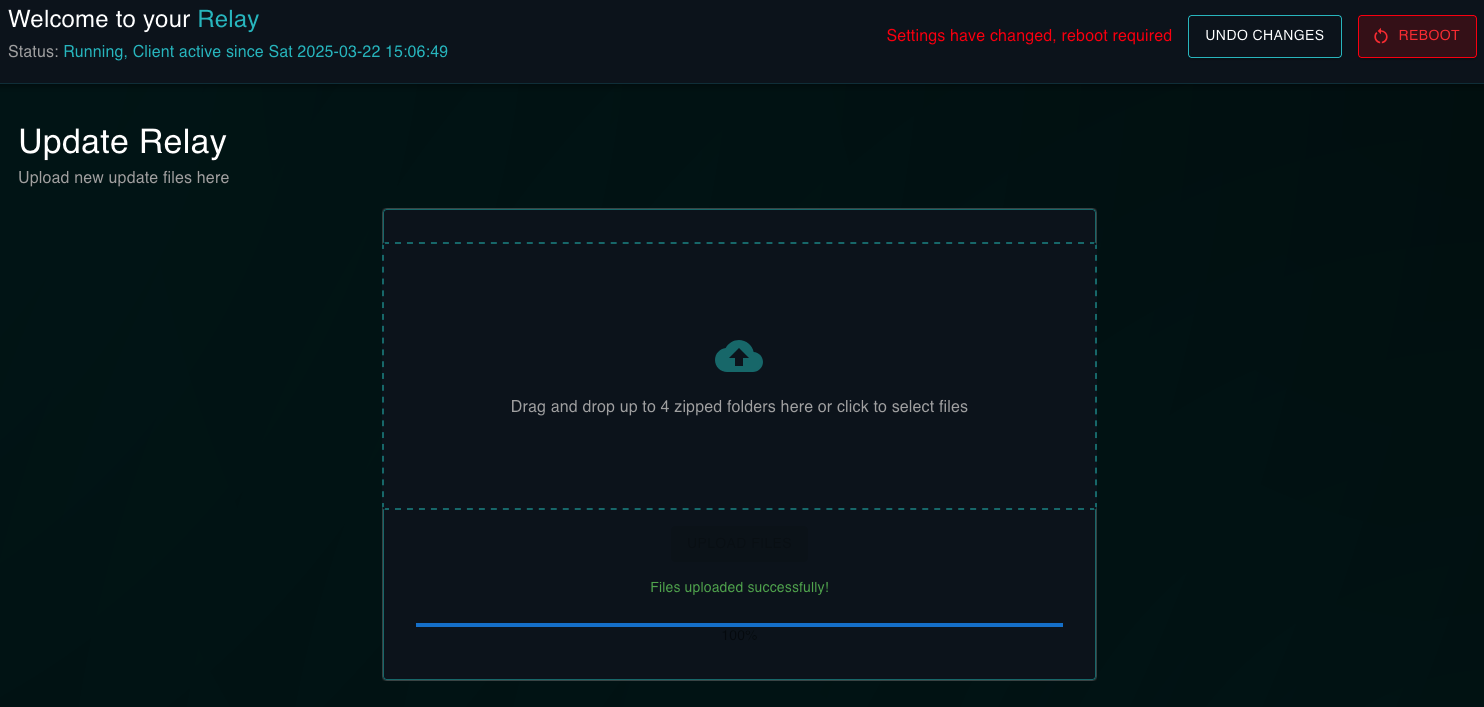
5. Press the '**REBOOT**' button.
6. While waiting for the Relay to restart, download the file '**app-update\_peaq\_v1.zip**' from below, then repeat steps **2** to **5** while using this file instead.
{% file src="/files/96dDG2w3RNJpNCv8XgDo" %}
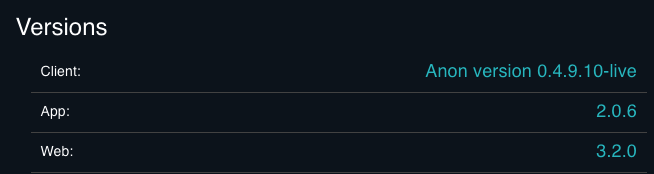
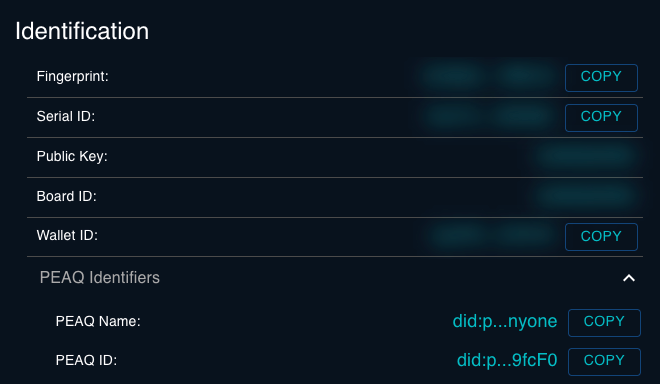
7. To verify that the update was successful you should see '**Web 3.2.0**' in the **Versions** box, and the added '**PEAQ Identifiers**' in the **Identifications** box, as shown below.