> For the complete documentation index, see [llms.txt](https://docs.anyone.io/llms.txt). Markdown versions of documentation pages are available by appending `.md` to page URLs; this page is available as [Markdown](https://docs.anyone.io/dashboard/anyone-domains.md).
# Anyone Domains
### Your personal .anyone domains.
Referencing your personal .anyone domain to your Relay Operator wallet makes it recognisable and easier to identify for other holders of [$ANYONE](https://etherscan.io/token/0xfeac2eae96899709a43e252b6b92971d32f9c0f9) looking for Operators to stake towards.
The .anyone domain is a Web3 domain in the form of a NFT held by a wallet on [Base](https://www.base.org/), this NFT is acquired from [Unstoppable Domains](https://unstoppabledomains.com/) (UD).
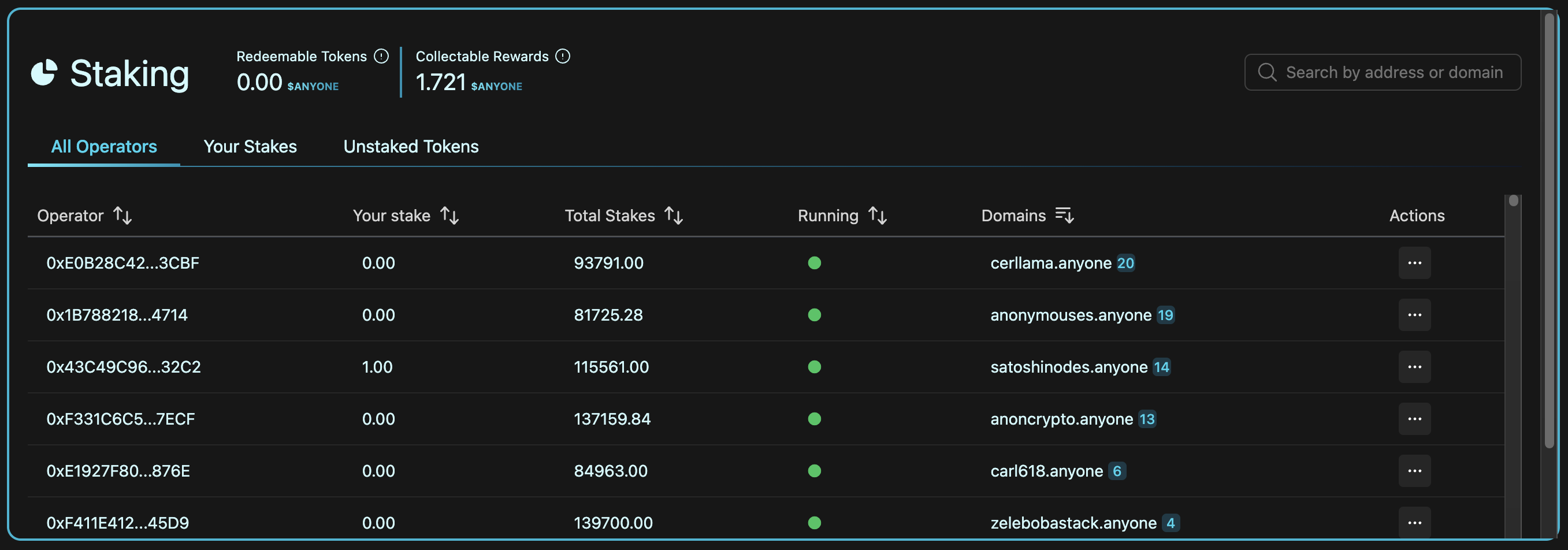
When the ANYONE [Rewards and Staking dashboard](https://dashboard.anyone.io/) identifies a Relay Operator wallet is holding the NFT for a .anyone domain it will automatically be listed and searchable on the staking tab as seen the picture below. You can hold multiple domains on the same wallet.
### What are Web3 domains?
You can read more about Web3 domains from UD [here](https://support.unstoppabledomains.com/support/solutions/articles/48001181690-what-are-web3-domains-), as well as finding guides on how to manage Web3 domains on the UD control panel [here](https://support.unstoppabledomains.com/support/solutions/articles/48001188302-user-guide-for-web3-domains).
### Acquire .anyone domains
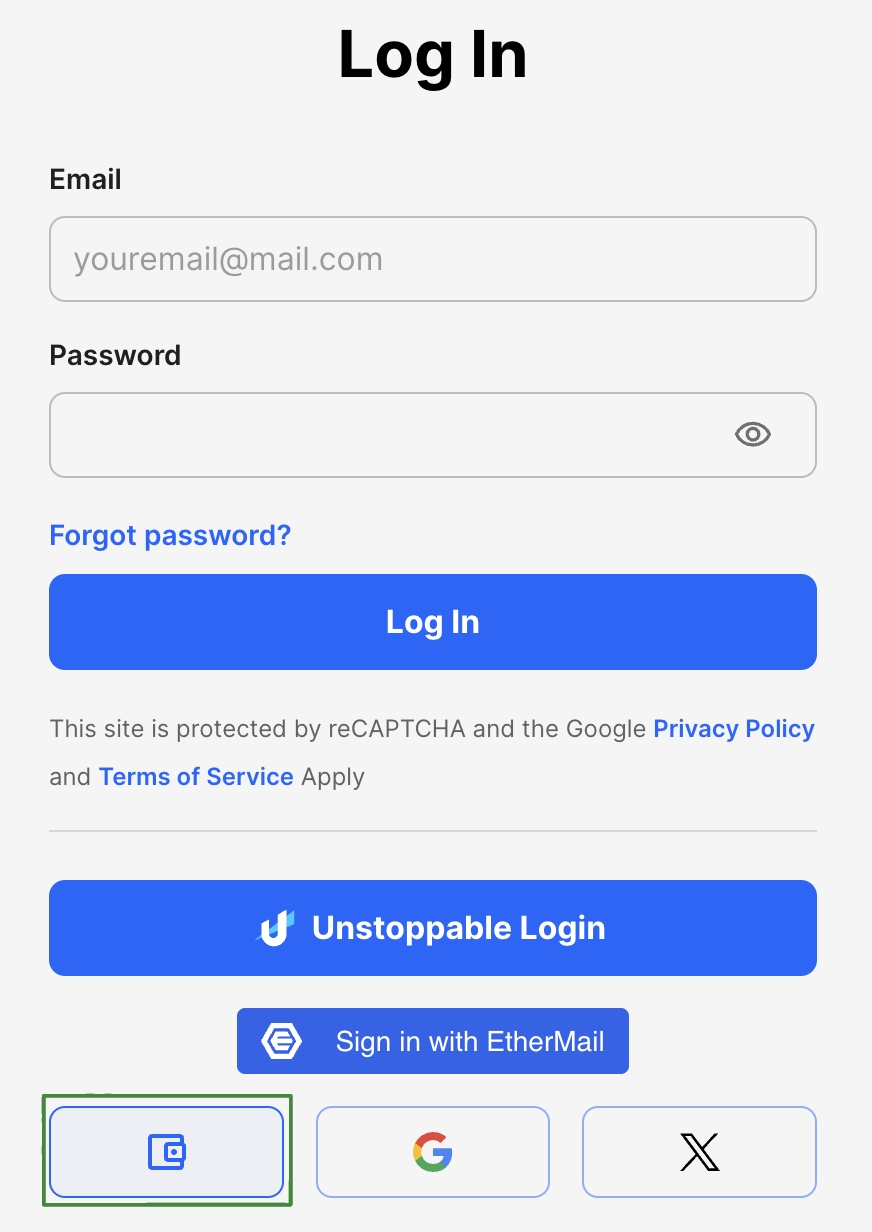
1. Go to [https://unstoppabledomains.com](https://unstoppabledomains.com/) and press **Login**. To login without using email or creating an account, press the wallet icon.
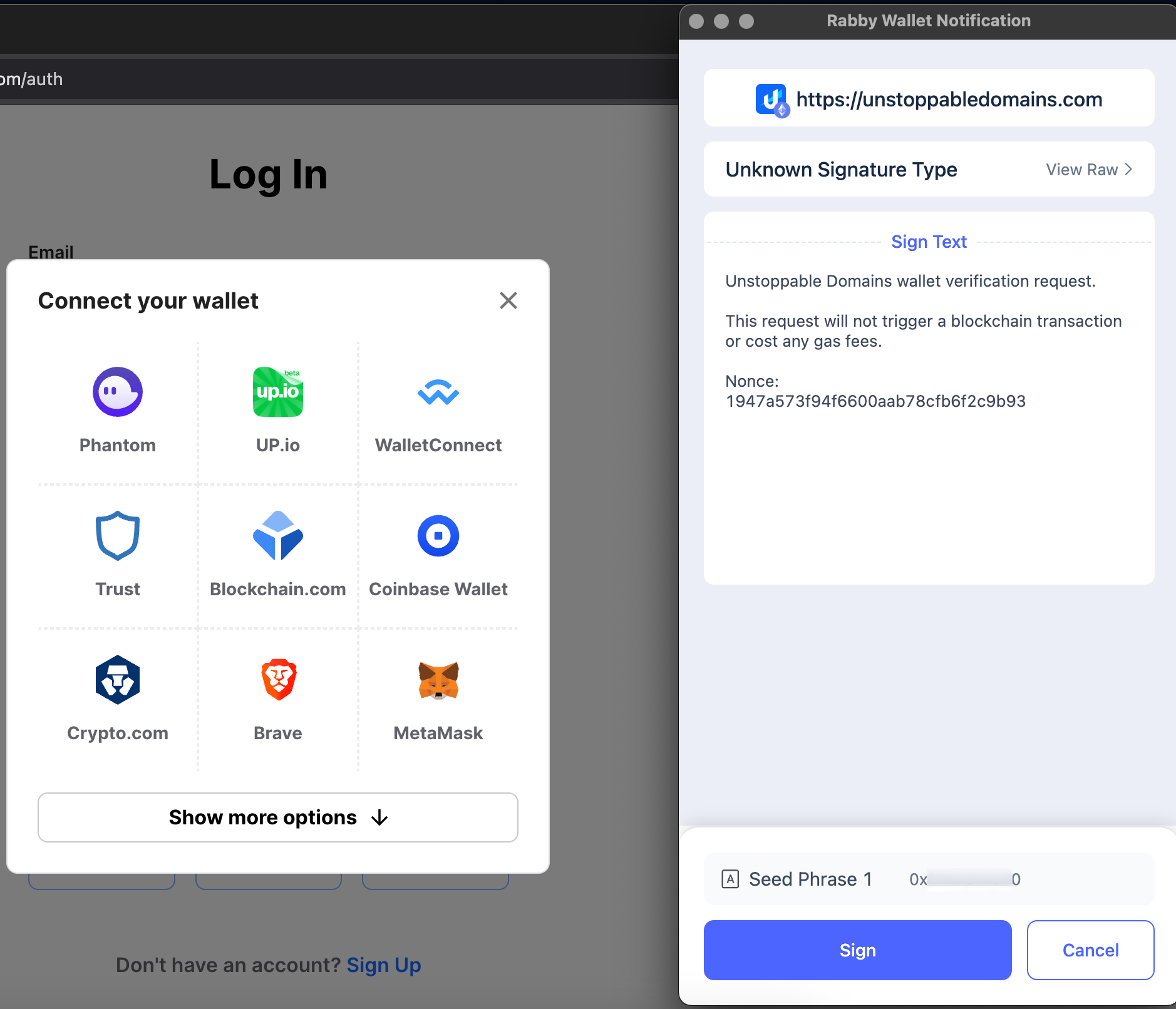
2. Sign the signature when prompted by your wallet. As mentioned, the signature should **not** trigger any approval, blockchain transaction or cost any gas fees.
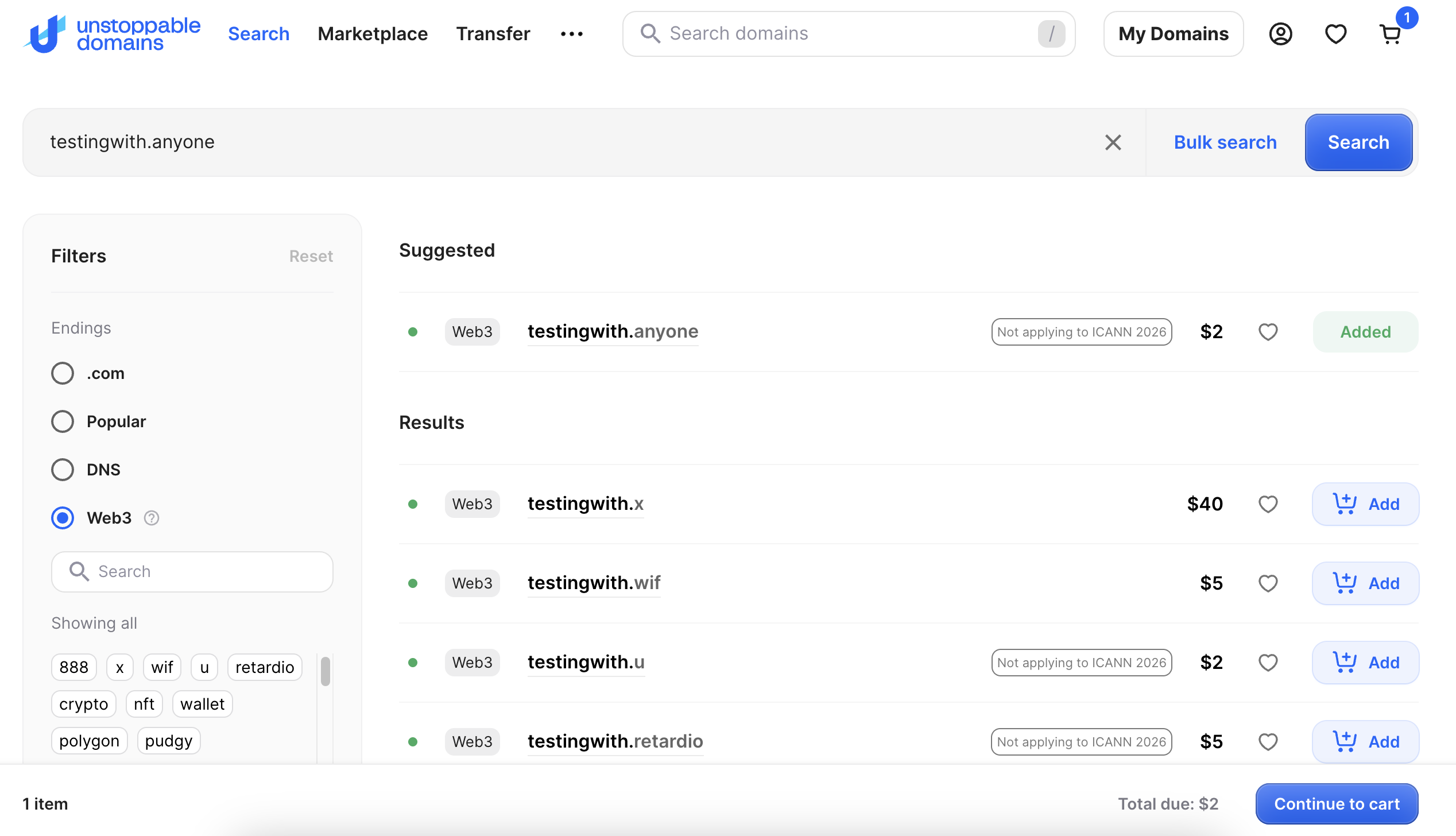
3. Search the .anyone domains of your liking and add to cart.
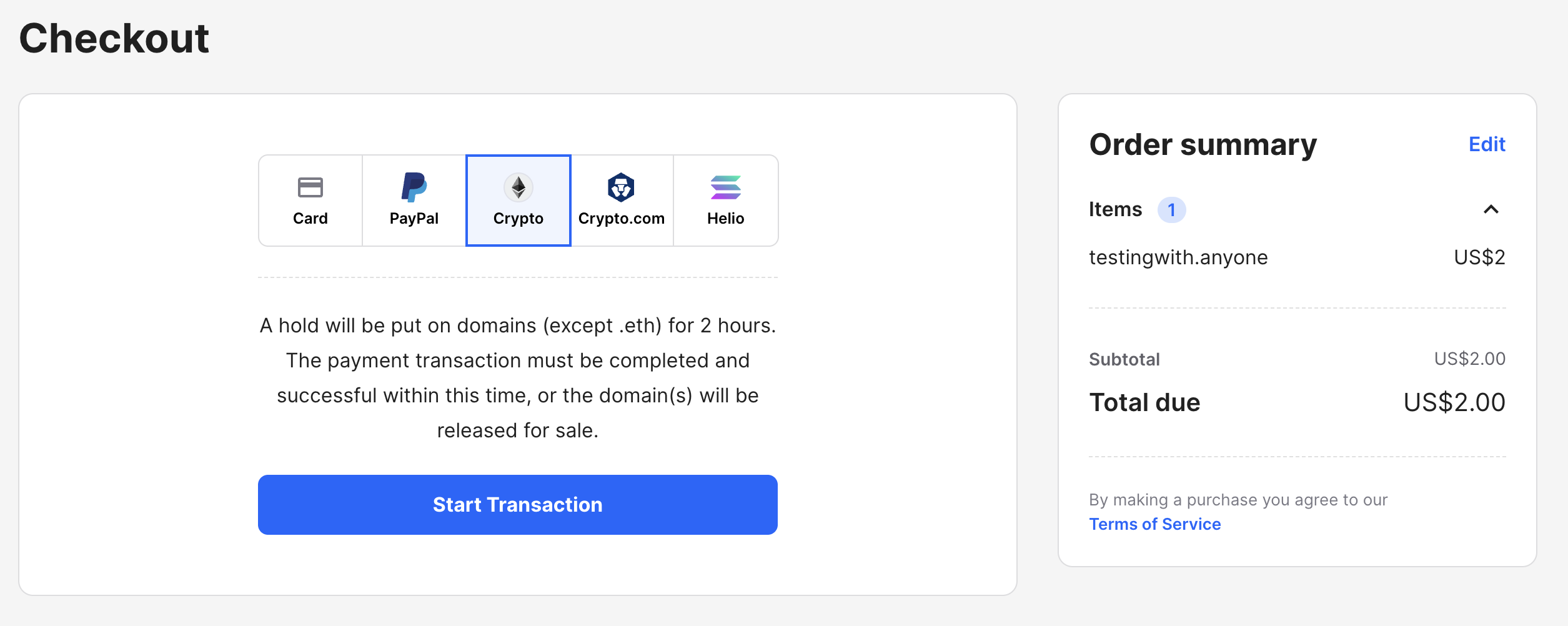
4. Go to checkout and select preferred payment method, in this example we choose **Crypto**.
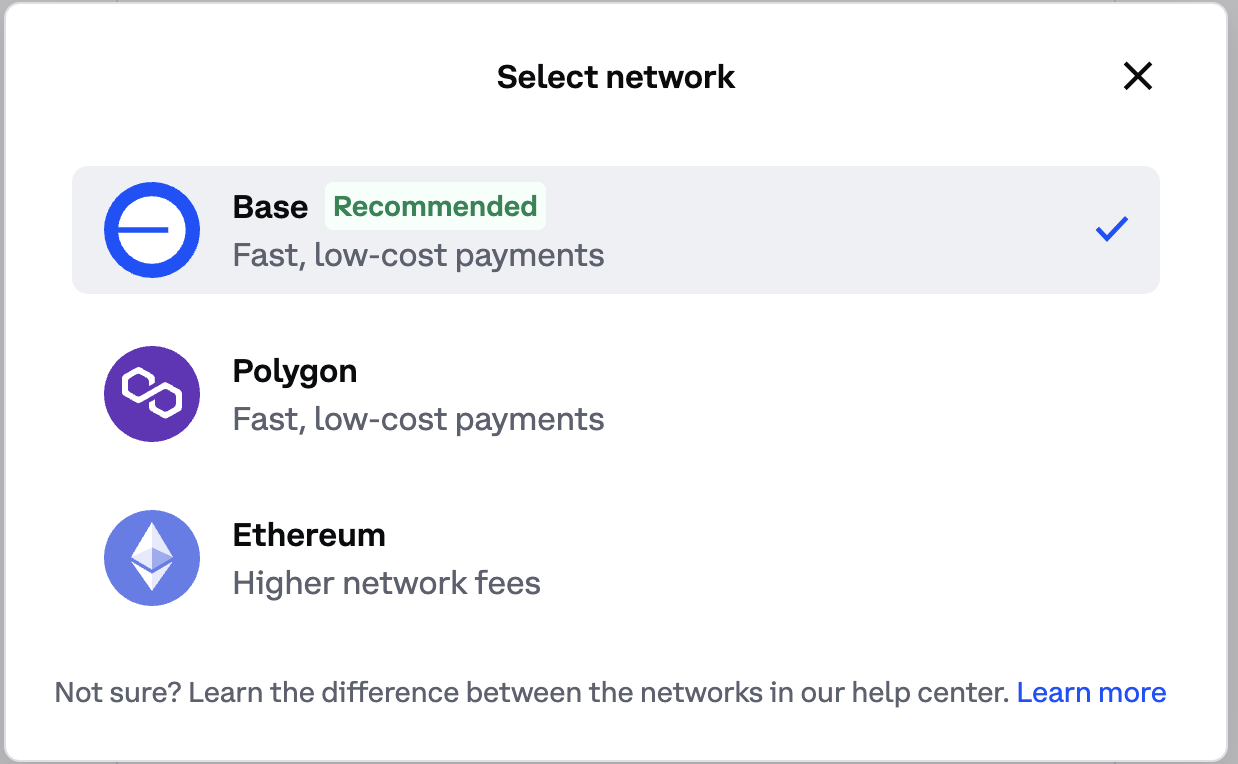
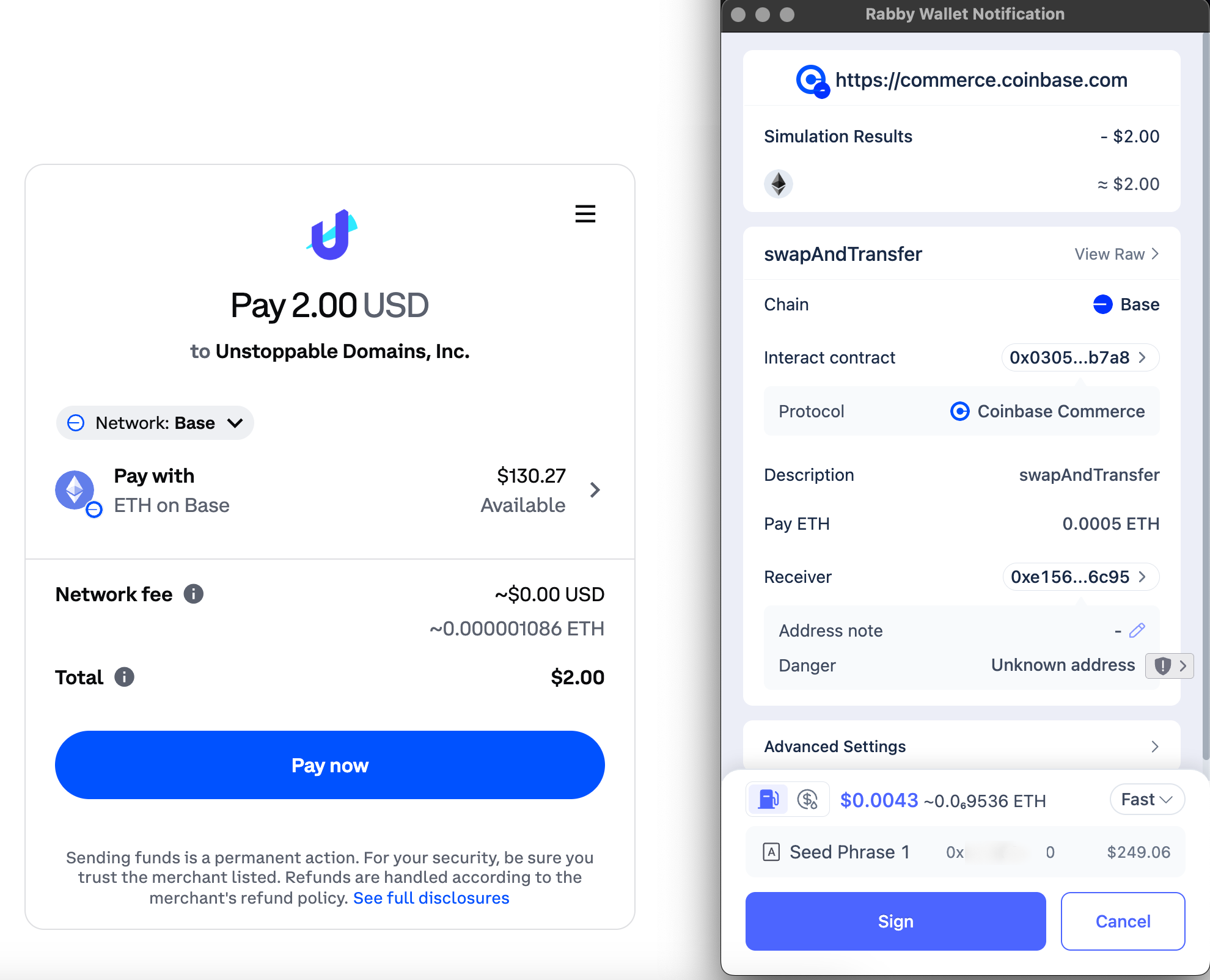
5. When prompted to **Pay now** you have the option to choose to pay using Base, Ethereum or Polygon.
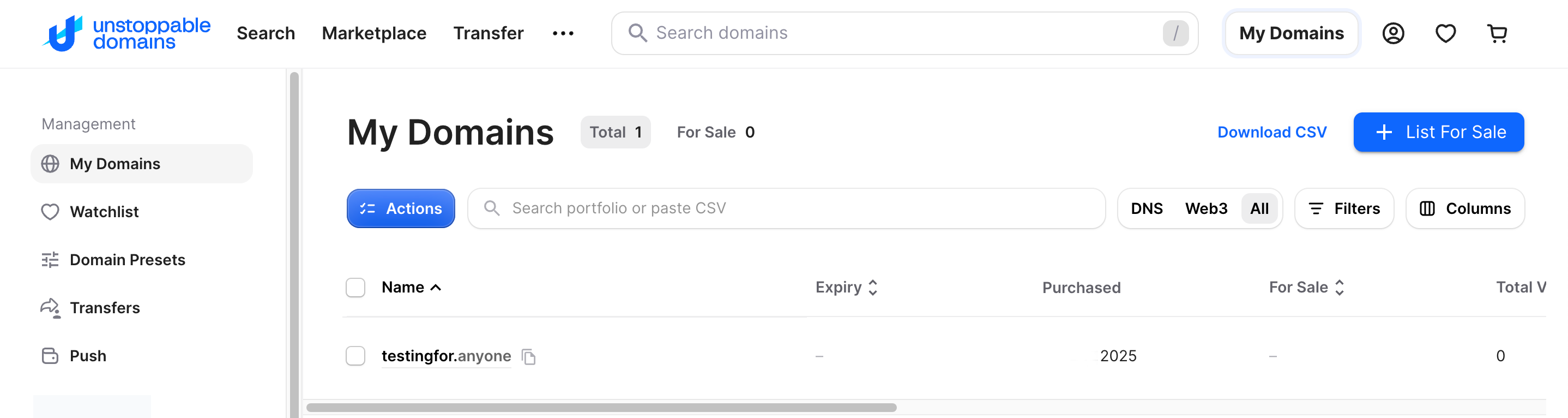
6. After a while when the payment has been processed your domain will show up under **My Domains**.
### The .anyone NFT
Unstoppable Domains take the form of an NFT on Base chain when acquired by users. For your domain to appear on the dashboard, your wallet must hold the NFT.
{% hint style="danger" %}
**Display Criteria**
Note: for your .anyone domains to display correctly on the dashboard, you must use your wallet as the **minting wallet** on Unstoppable, which gives you custody over the NFT. \
\
Read below on how to ensure this is the case.
{% endhint %}
#### Minting a new NFT
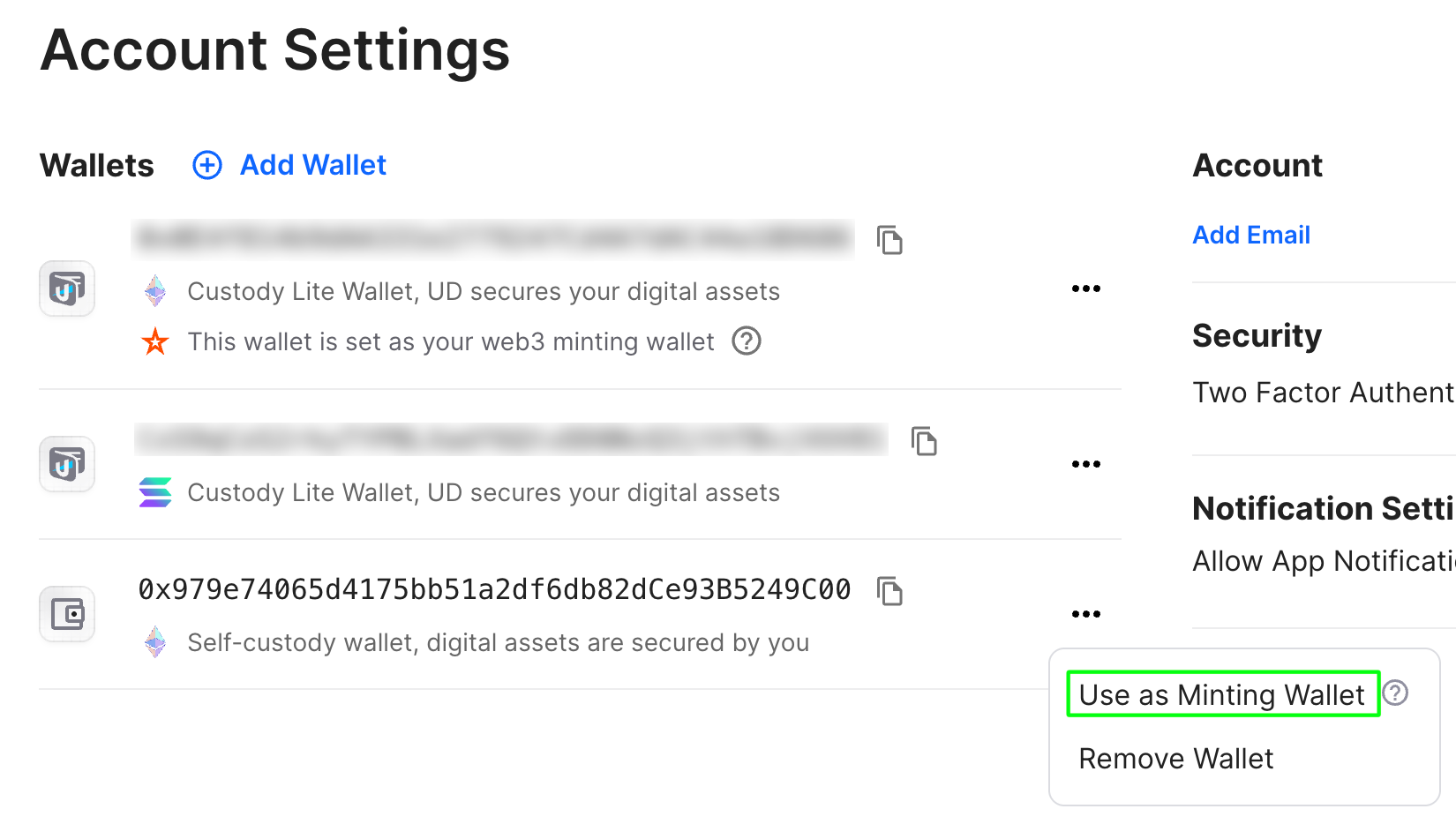
Normally when acquiring domains the NFT will be minted to a non-custody wallet provided by Unstoppable Domains on Base. It is recommended to instead use your **relay operator** address so that your domain can be linked to the dashboard. To do so, click on the three dots next to the wallet address you would like to set and press "**Use as Minting Wallet**".
{% hint style="info" %}
Please note that it may take up to 2-3 hours for the domain to become visible on the [Rewards Dashboard](/dashboard.md).
{% endhint %}
#### Transferring your NFT
If you minted a domain previously, but did not gain custody of the NFT, you will need to manually transfer the domain back to your wallet.
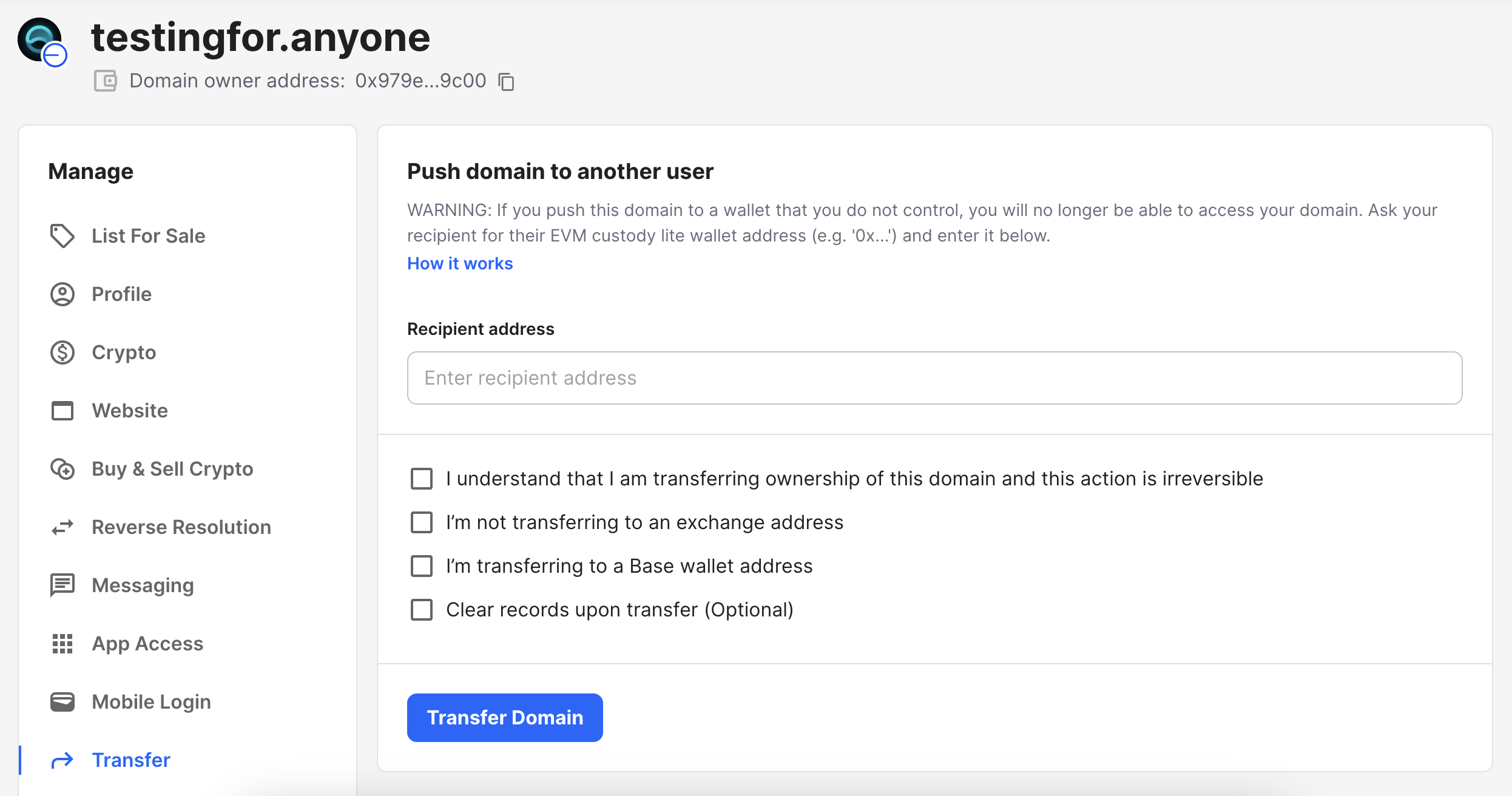
1. Go to the "[My Domains](https://unstoppabledomains.com/domains)" and click on the domain you'd like to move to your own wallet.\
On the left-hand side, scroll down to "**Transfer**". You will want to copy and paste your wallet address that you want to use manage the domain. Please be sure to check all of the boxes. Then select "**Transfer Domain**" to confirm this change.
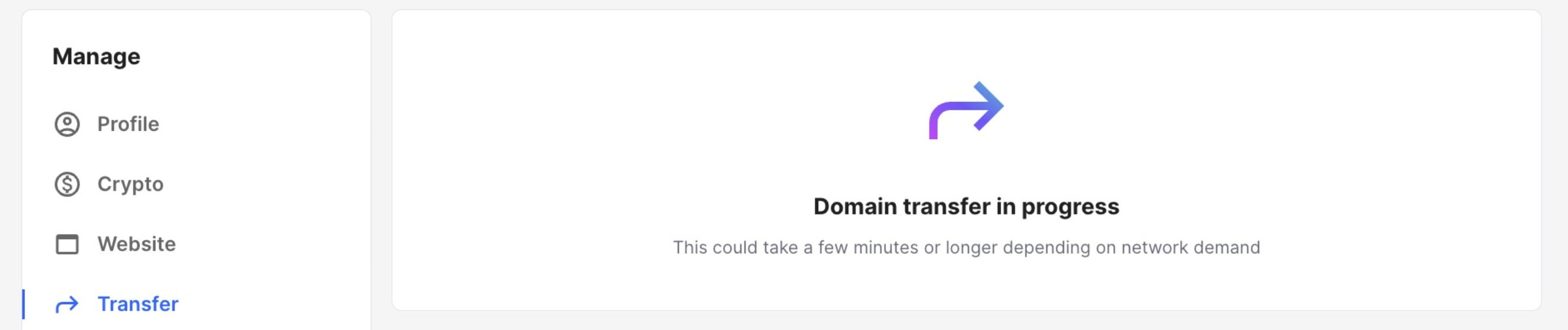
The domain will now be transferred. Once complete, you will be able to access the full management options.
You can verify the NFT has been transferred by searching for your wallet on [Basescan](https://basescan.org/) and go to the "**NFT Transfers**" section.
### Map your long form .anyone address to your domain
1. Go to the "[My Domains](https://unstoppabledomains.com/domains)" and choose the domain you'd like to map your hidden service address to, then go to the "**Crypto**" section.
2. Click "**+ Add Currency**" and search for "**ANyONe Protocol**"
3. Input the long form hidden service address in the field named "**ANYONE**".
{% hint style="info" %}
Following this [guide](/sdk/native-sdk/tutorials/services1.md#apt) you can fetch your long form address located by `sudo cat /var/lib/anon/anon_service/hostname`
{% endhint %}
4. Choose "**Confirm Changes**" and apply the change by signing using your wallet. This signature is does **not** require gas and should **not** prompt any approval!
5. When changes has applied and the DNS has been mapped it will be visible at .
### Updating and resolving .anyone DNS addresses
To update and resolve yours and others personal .anyone DNS addresses you can fetch the file onto your relays [DataDirectory](/sdk/native-sdk/manual.md#datadirectory-dir) by typing:
{% code expandable="true" %}
```bash
sudo curl https://dns.ec.anyone.tech/tld/anyone | sudo tee /var/lib/anon
```
{% endcode %}